|
 Online training series Online training series
August 26 to October 28, 2026
Free, limited to NGO-ISAC members
The weeks on the run up to midterm elections bring real operational pressure to every nonprofit organization. More inbound contact from unknown parties. Heightened public attention. Greater exposure for individual staff. Even less bandwidth to absorb a disruption. If your organization has staff, an inbox, and a mission to protect a community, midterms have been on the horizon for a long time.
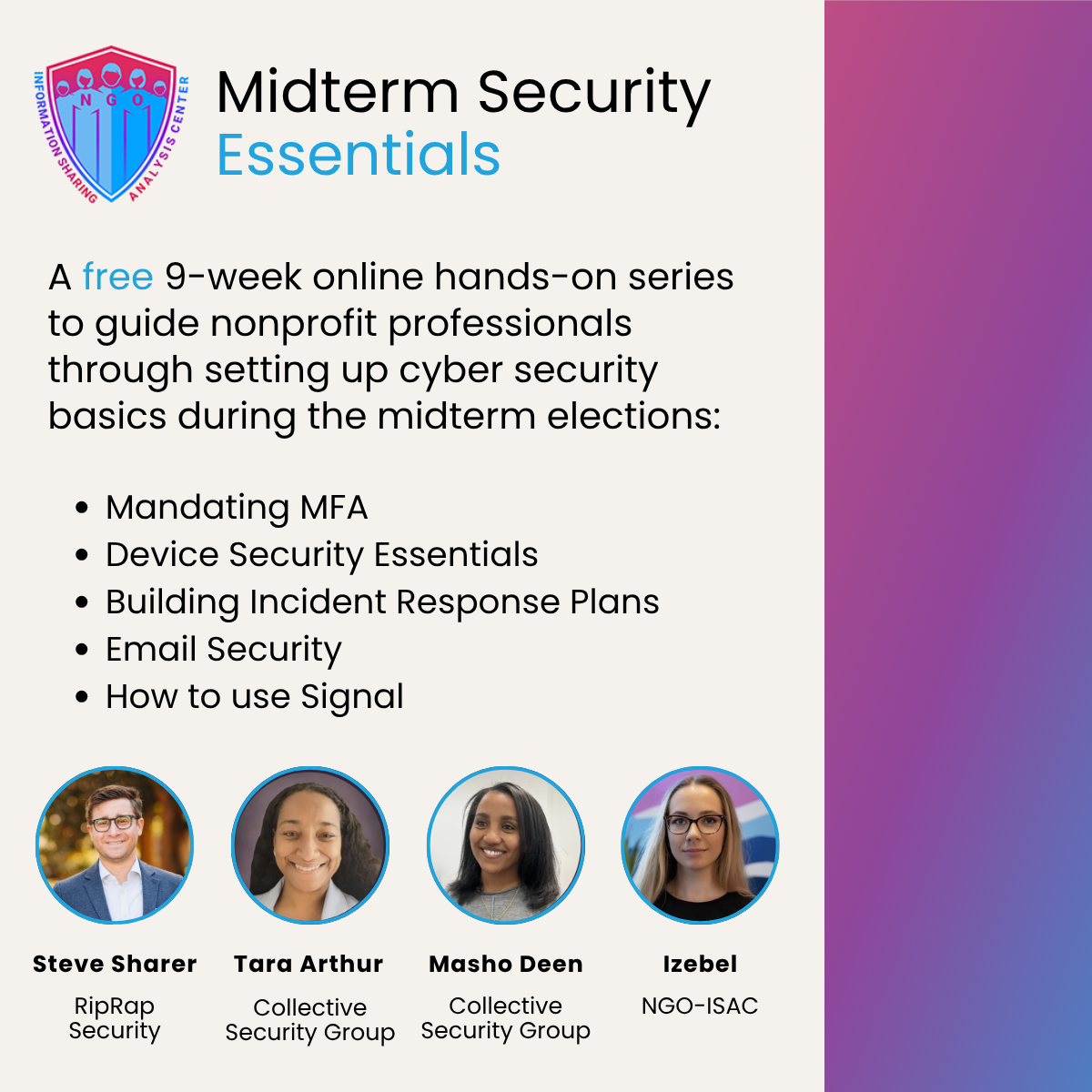
Midterm Security Essentials is a nine-session virtual training series designed for NGO-ISAC members, with small- and mid-sized organizations in mind. Every session incorporates hands-on work, so you'll continue to make progress on cyber security for your organization each week. After completing the series, you'll come away with MFA implemented for all staff, a working draft of your incident response plan, verified email authentication, Signal set up for your team, and two facilitated incident response practice exercises that will let you test your organization’s readiness and learn from your peers.
This series runs Wednesdays starting August 26 and continues through late October, wrapping up just before Election Day. Join for a single session or the full series. Each one will be recorded and added to the member resource library, so you'll have access to the materials even if you can't make it live. Sessions are led by Steve Sharer of RipRap Security, Tara Arthur and Masho Deen of Collective Security Group, and Izebel from the NGO-ISAC team.
Participation is free and limited to NGO-ISAC members. You'll need an account on this site to register. Already a member? Just log in. New to NGO-ISAC? Create a Prospect account and we'll follow up about membership. Questions? Contact us at [email protected].
Schedule of sessions
Incident Response Exercise: Election-Period Scenarios
Wednesday, August 26, 2026, 2-3:30PM ET
Walk through a real incident scenario as a team and get a clear-eyed read on where your organization actually stands. You'll be working alongside peers at every stage of security maturity, which means fresh perspective whether you're just getting started or refining an established practice.
Mandating MFA, Part 1: The Case and the Current State
Wednesday, September 2, 2026, 2-3:30PM ET
Requiring multi-factor authentication on your organization’s Google Workspace or Microsoft 365 accounts is one of the most critical improvements you can make to your organization’s security. You’ll leave this session with a better understanding of MFA methods, a specific list of which staff still aren't enrolled in MFA, and a concrete plan for winning internal approval for a mandate - including who to talk to and what tends to move the decision.
Mandating MFA, Part 2: Configuration and Rollout
Wednesday, September 16, 2026, 2-3:30PM ET
In this session, you'll get a recommended MFA settings reference for Google Workspace or Microsoft 365, plus ready-to-use announcement templates for your rollout.You'll leave this session with everything you need to require MFA on your organization's office suite: the settings, the sequence, and the messaging.
Building an Incident Response Plan
Wednesday, September 23, 2026, 2-3:30PM ET
Draft a real incident response plan for your organization with support from RipRap Security and Collective Security Group. We'll cover each section, why it matters and what to consider, then give you time to write. You'll leave prepared to finish the plan and a practical strategy for getting it adopted internally.
Device Security Essentials
Wednesday, September 30, 2026, 2-3:30PM ET
Learn how to get staff to actually adopt device security settings on their own devices, plus advanced considerations for border crossings and staff facing elevated personal risk. You'll leave with ready-to- share device security guides for macOS, Windows, iOS, and Android, no editing needed.
Signal 101
Tuesday, October 6, 2026, 2-3:30PM ET
Learn how to use Signal! This session is geared towards users who…
- Have never used Signal before
- Only use Signal for occasional texting and are curious about other features
- Want to understand what all the fuss is about! Why use Signal?
This session is open to all staff at your organization.
Signal 102
Wednesday, October 7, 2026, 2-3:30PM ET
Description coming soon.
Email Security Essentials
Wednesday, October 21, 2026, 2-3:30PM ET
Prevent bad actors from spoofing your organizational emails, protect the nonprofit ecosystem from phishing, and improve your email deliverability! Find out your organization's current SPF, DKIM, and DMARC posture, how to check it yourself, and what to fix. You'll get the low-risk Google Workspace and Microsoft 365 settings worth changing, plus extra steps for organizations facing elevated risk. If your setup needs work, you'll know exactly what to ask your provider for.
Incident Response Exercise: Election-Period Scenarios (Closing)
Wednesday, October 28, 2026, 2-4PM ET
Head into the final week before the election with a real readiness check. This time you're not starting cold: you'll bring everything from your own incident response plan and the sessions before it. You'll close out the series having built relationships with peers you can call on if something happens.
Security doesn't have to be a solo project. You've got support. Let's get your organization ready, together.
|